Features
The Proxima DAM migration helps organizations change DAM systems while updating their links to DAM assets in their Optimizely CMS instance. The migration tool is built in a generic way to support multiple source and target systems. There are a few built in systems that are supported out of the box, but more DAM systems can be added on demand.
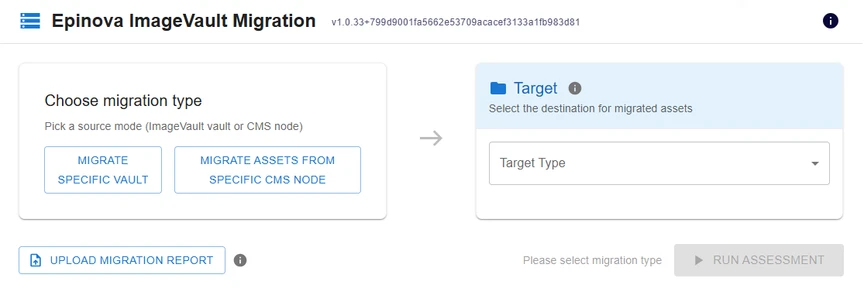 Currently out-of-the-box supported DAM systems
Migration Sources
- Optimizely CMS Assets
- Image Vault DAM
Source Migration Options
| Feature/Functionality |
Vault Migration |
CMS Node Migration |
| Skip if asset already exists on target |
✓ |
✓ |
| Skip if property is alrready mapped |
✓ |
✓ |
| Dry run migration with report |
✓ |
✓ |
| Include all decendent content items |
|
✓ |
| Include block dependencies |
|
✓ |
| Always copy XHTML properties containing assets |
|
✓ |
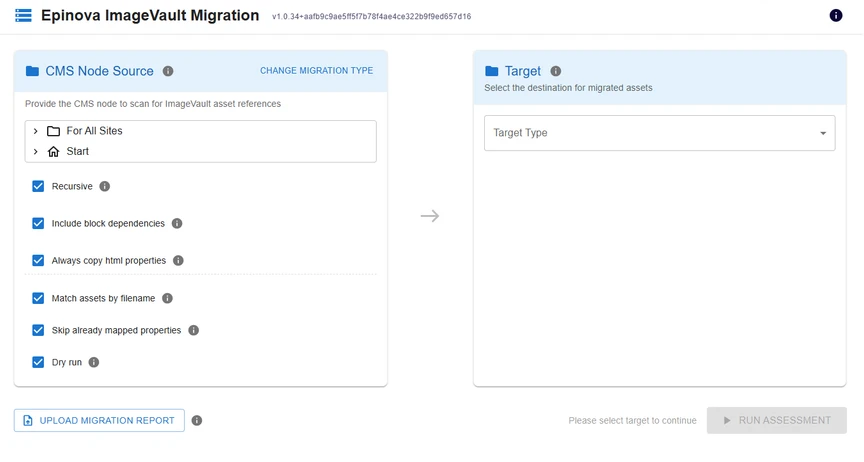
Migration Targets
- Optimizely DAM (CMP)
- QBank DAM
- Optimizely CMS Assets (not recommended)