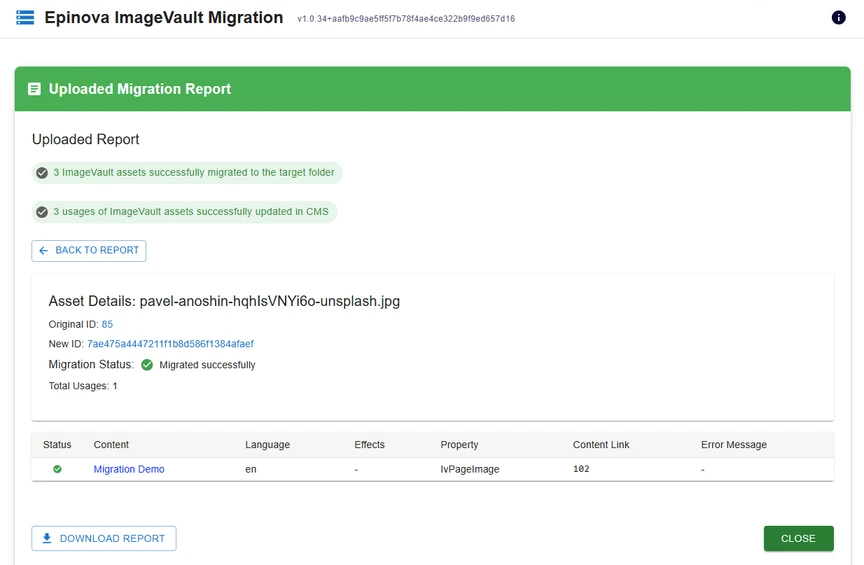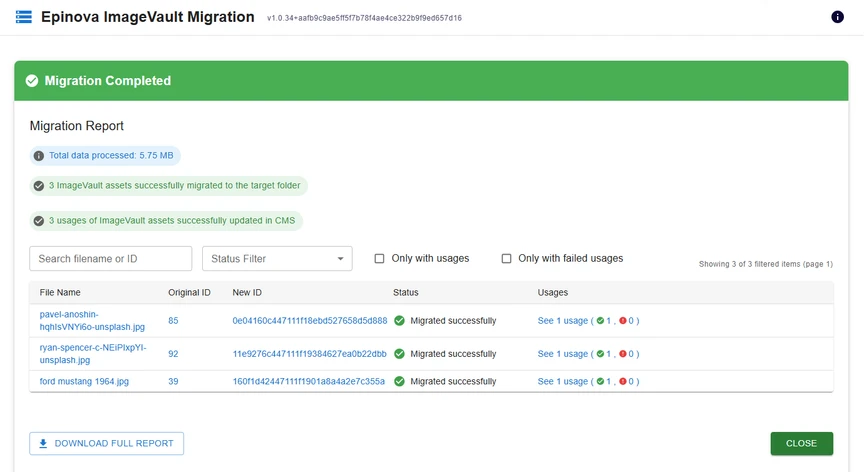
After you have completed a migration, you have the option to download the migration report from the button in the bottom left of the tool. This report contains all data for each asset that was migrated.
Some of the data in the report are...
- Original file path & asset ID
- New file path & new asset ID
- File type
- List of usages within current content
- Metadata
After you have downloaded a report and saved it to your computer, you can also re-upload the report to the migration tool to easily review results of previous migrations. This allows you to review past migrations without having to run them again.