Watch the video below
Proxima AI Assistant helps you generate Alt text for an image in a second!
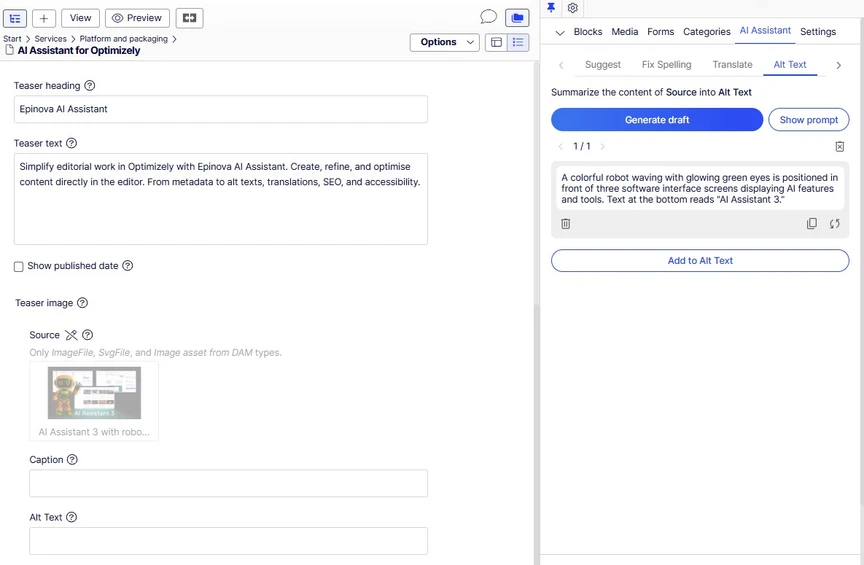
Generate Alt text for an image
- Select an Alt text field you want to generate content for from an image and the AI Assistant will default to the Alt Text tab.
- Click Generate draft.
- Review the result and click Add to Alt Text to add your content