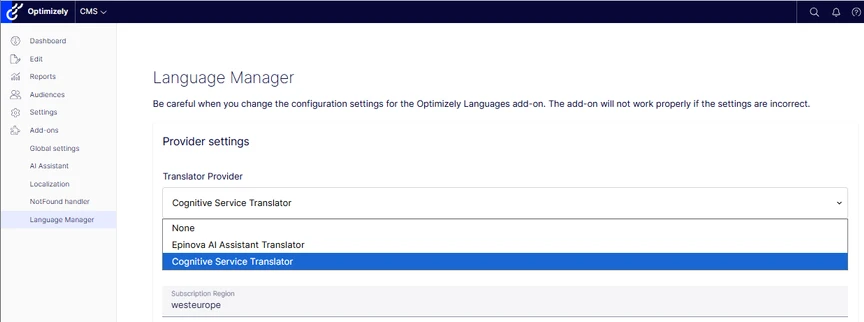
To enable AI enabled translations, go to the Language Manager settings and select the AI Assistant from the selection.
Read more on how to translate content in the official documentation for the Optimizely Language Manager.
Proxima AI Assistant adds capabilities to translate single fields within the editors interface, as well as connecting AI translations to the Optimizely Languages add-on which makes it possible to translate entire pages, including blocks.
To enable AI enabled translations, go to the Language Manager settings and select the AI Assistant from the selection.
Read more on how to translate content in the official documentation for the Optimizely Language Manager.